Frame a Christmas portrait without cutting off the face
A tall frame can crop the top of a landscape photo. Start with the eyes, then decide how much background to keep.
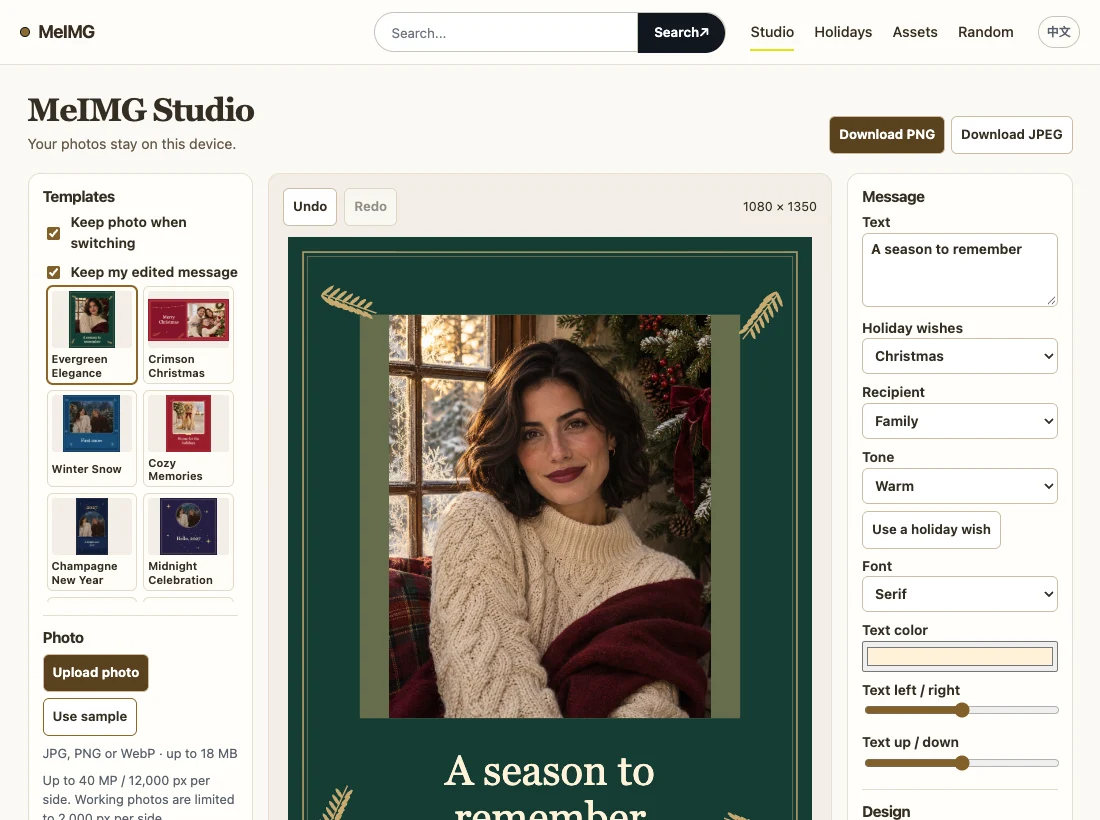
- Open Evergreen Elegance and choose a portrait. Use Fit first to see the whole photograph inside the frame.
- Switch to Fill if you want edge-to-edge colour. Drag the portrait down until the hair clears the frame. If the shoulders disappear, go back to Fit.
- Check the greeting against the photo at phone size. Export PNG for crisp lettering, and keep the original portrait separately.