Move a Christmas wish from the message tool to a card
Pick the relationship before the wording. A note for a client can go straight into a card without copying between tabs.
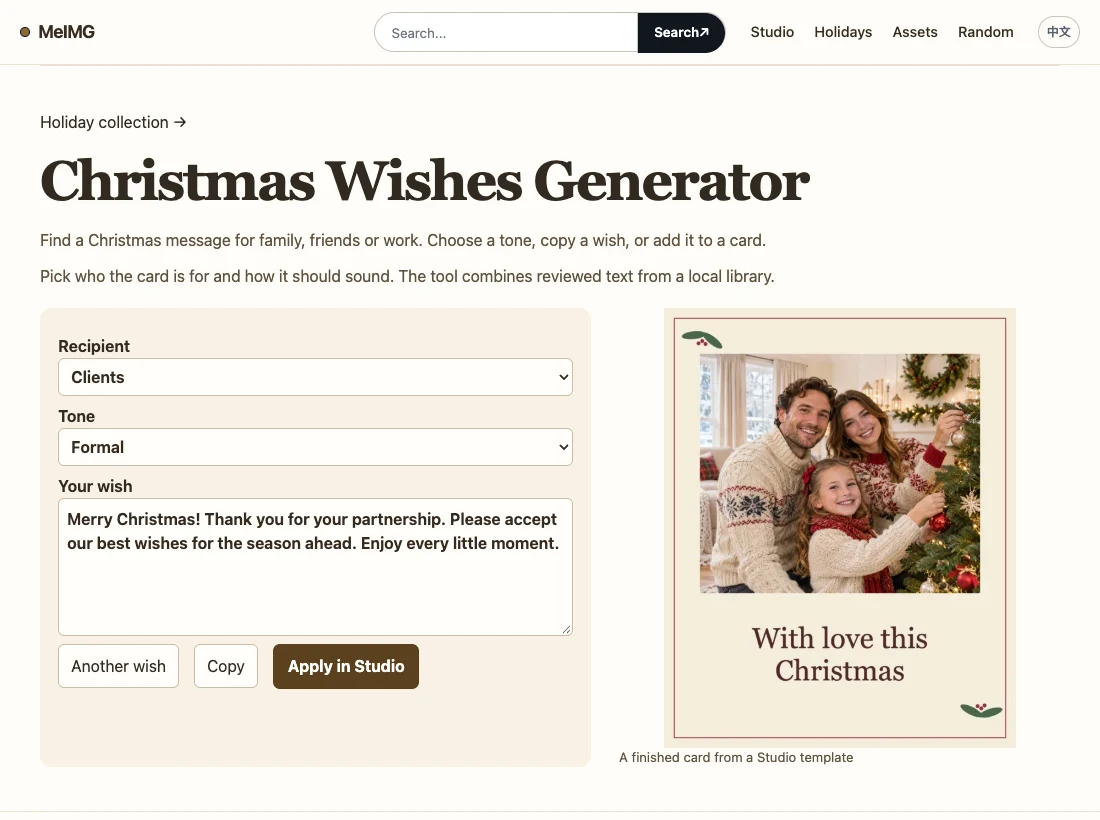
- In Christmas Wishes choose Clients and Formal. Read the suggested line aloud to check it suits your relationship.
- Choose Another wish to compare wording. Copy saves just the text to your clipboard. Apply in Studio opens the card with that greeting filled in.
- Add a photo and shorten the greeting if the safe-area warning appears. Download the card before closing the tab.